Content Guide
warning
We're a family friendly service so requesting adult content will result in your account being suspended 😉.
In a hurry? Just read this part 👇
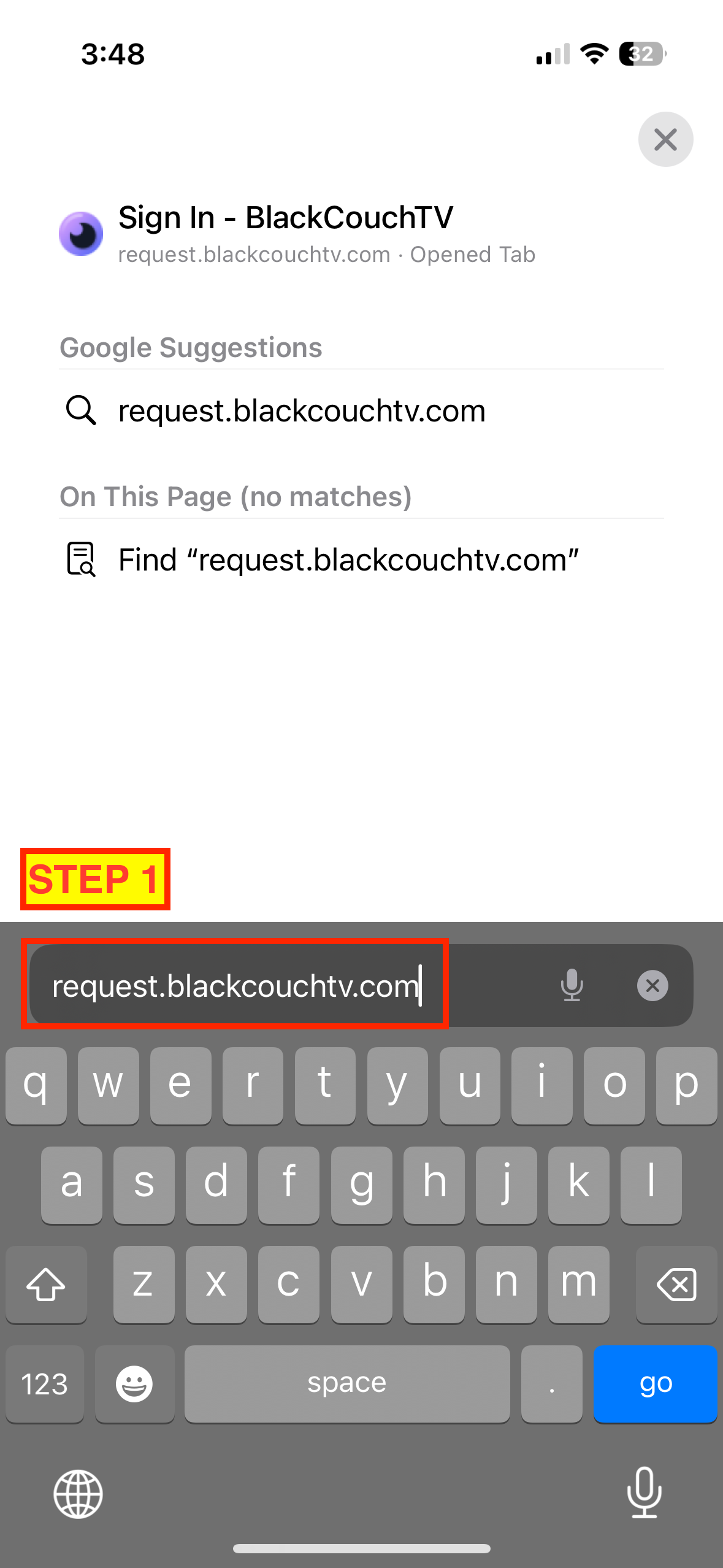
Go to request.blackcouchtv.com, login with your Plex account, search for content, and hit the "Request" button.
Add more content to watch
- Login at request.blackcouchtv.com using your Plex account.
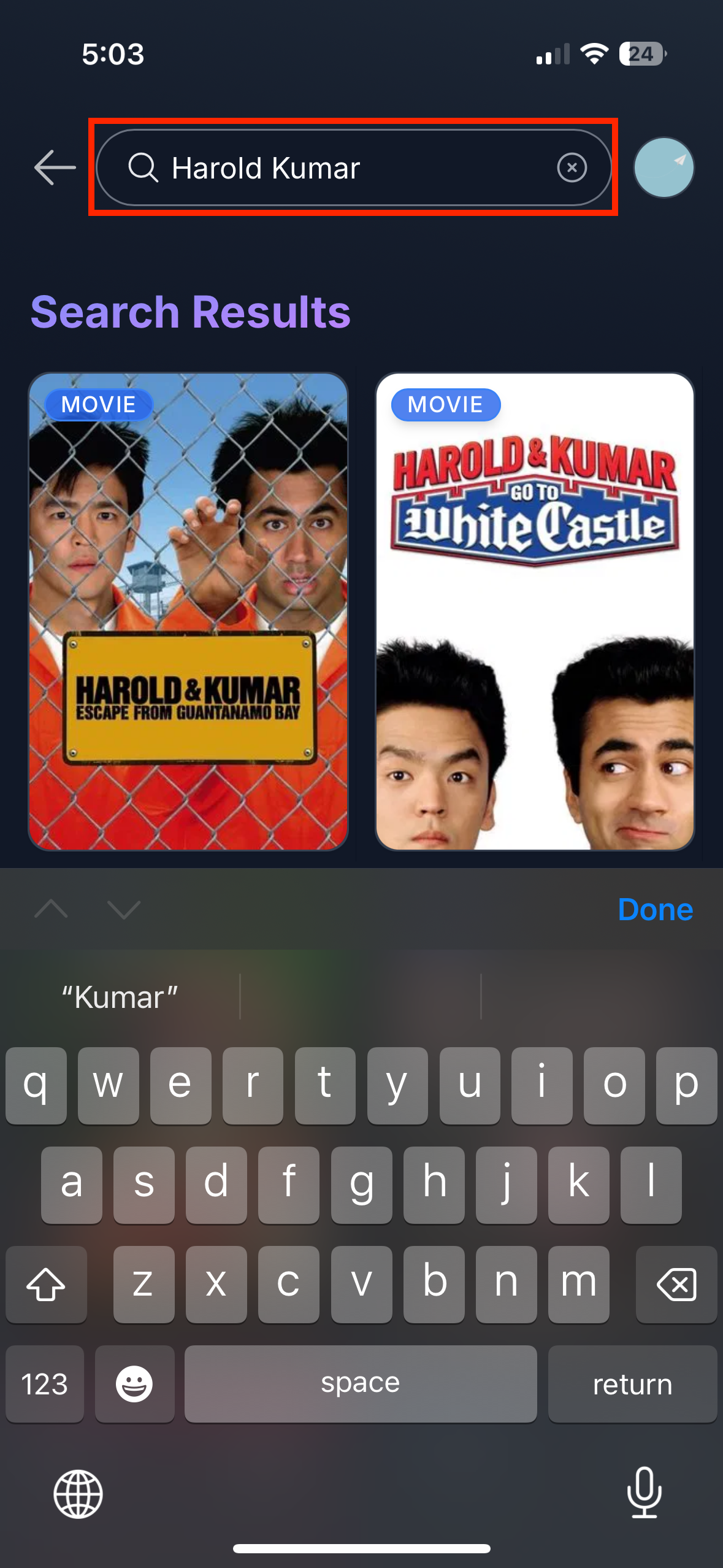
- Find a show/movie that you'd like to add. You can search directly, or browse through the series/movies sections.
- Look for the purple
Requestbutton and click on it.- After 30-60 minutes, your request should be accessible in the Plex app.
- Sometimes your requests might take longer or not work due to reasons listed here.
Note: there's a soft request limit that resets every week to prevent abuse of the service.
Click here to watch a visual guide ✨
Add the request app to your phone
While you can always make requests from a web browser, it's much more fun to do it on your phone with the app.
iPhone Instructions:
- Using Safari, navigate to request.blackcouchtv.com on your iPhone.
- Tap the share button ⬆️ on the bottom of your screen.
- Tap “Add to Home Screen”.
Android Instructions:
- Using Chrome, navigate to request.blackcouchtv.com on your Android phone.
- Press the "three dot" icon in the upper right to open the menu.
- Select "Add to Home screen", followed by the "Add" button in the popup.
Click here to watch a visual guide (iPhone) ✨